Q2 Form 720 Filing Is Almost Here – Are You Ready?
The quarter 2 deadline for filing IRS Form 720 is approaching and it’s the best time for businesses to prepare. The delay of a few days could lead to incomplete records, incorrect calculation of taxes, delays in payment or stress due to late filing.
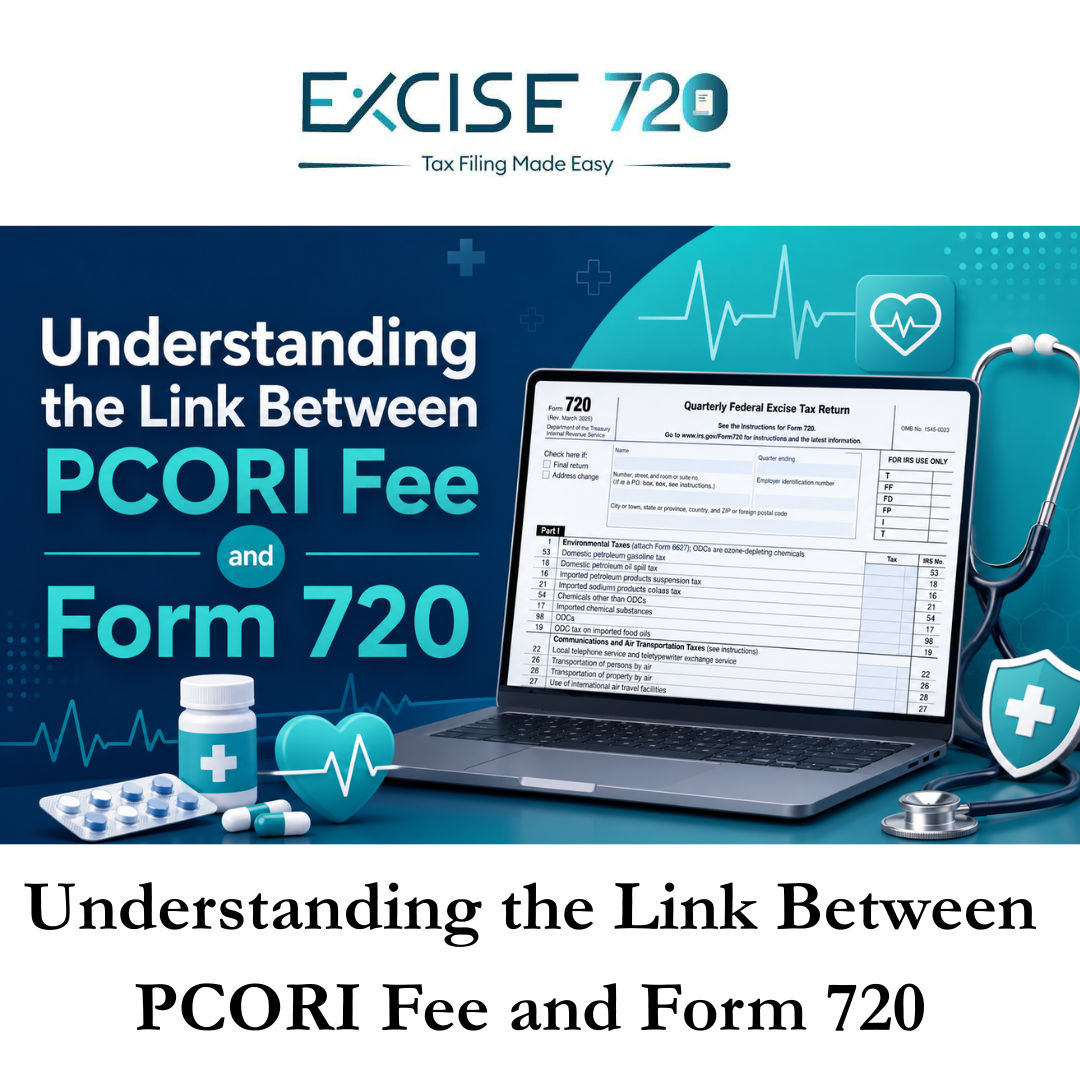
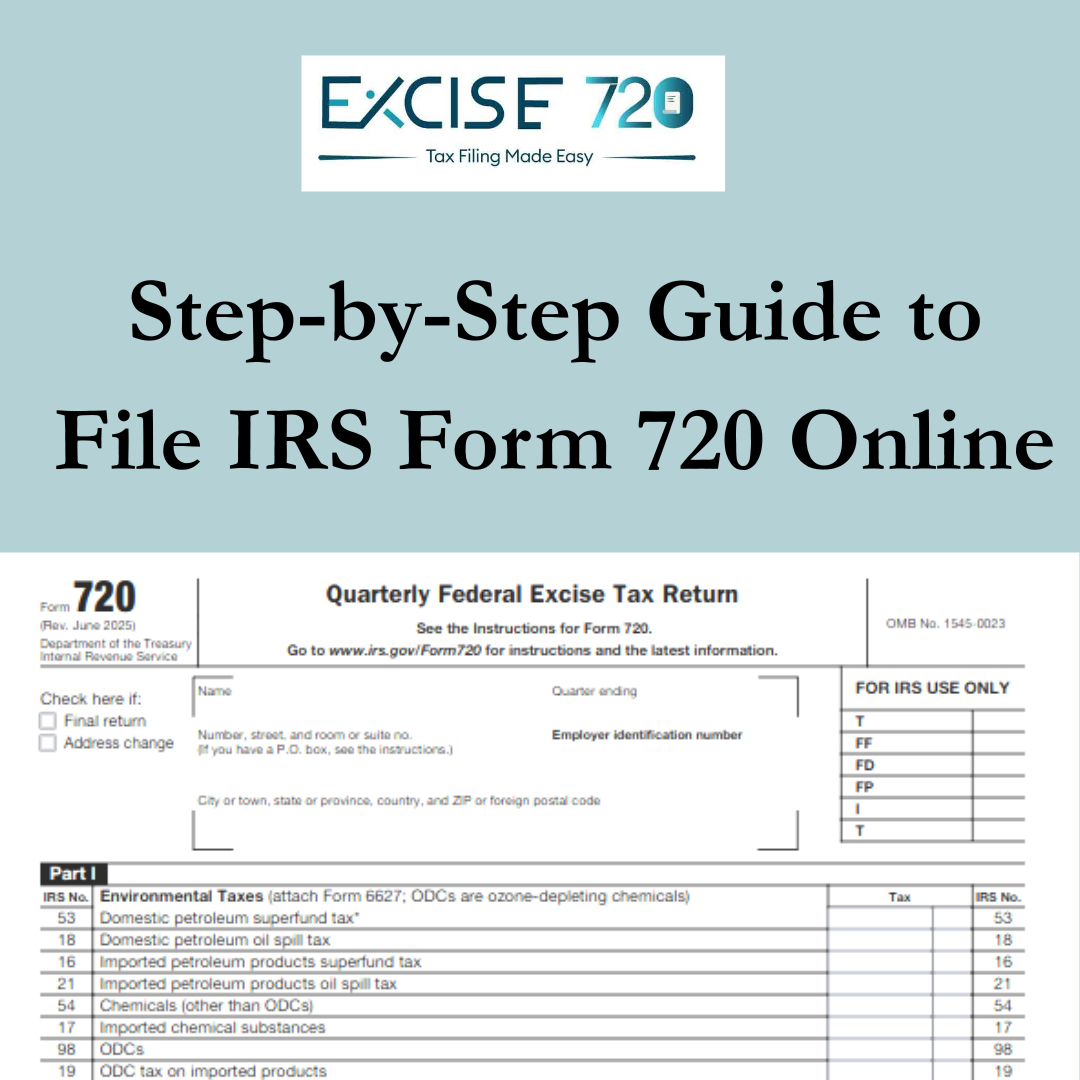
Form 720, referred to by the Quarterly Federal Excise Tax Return It is used to report and pay federal excise taxes using an IRS number. The IRS states that Form 720 is used to report liability and pay the excise taxes listed on the form..
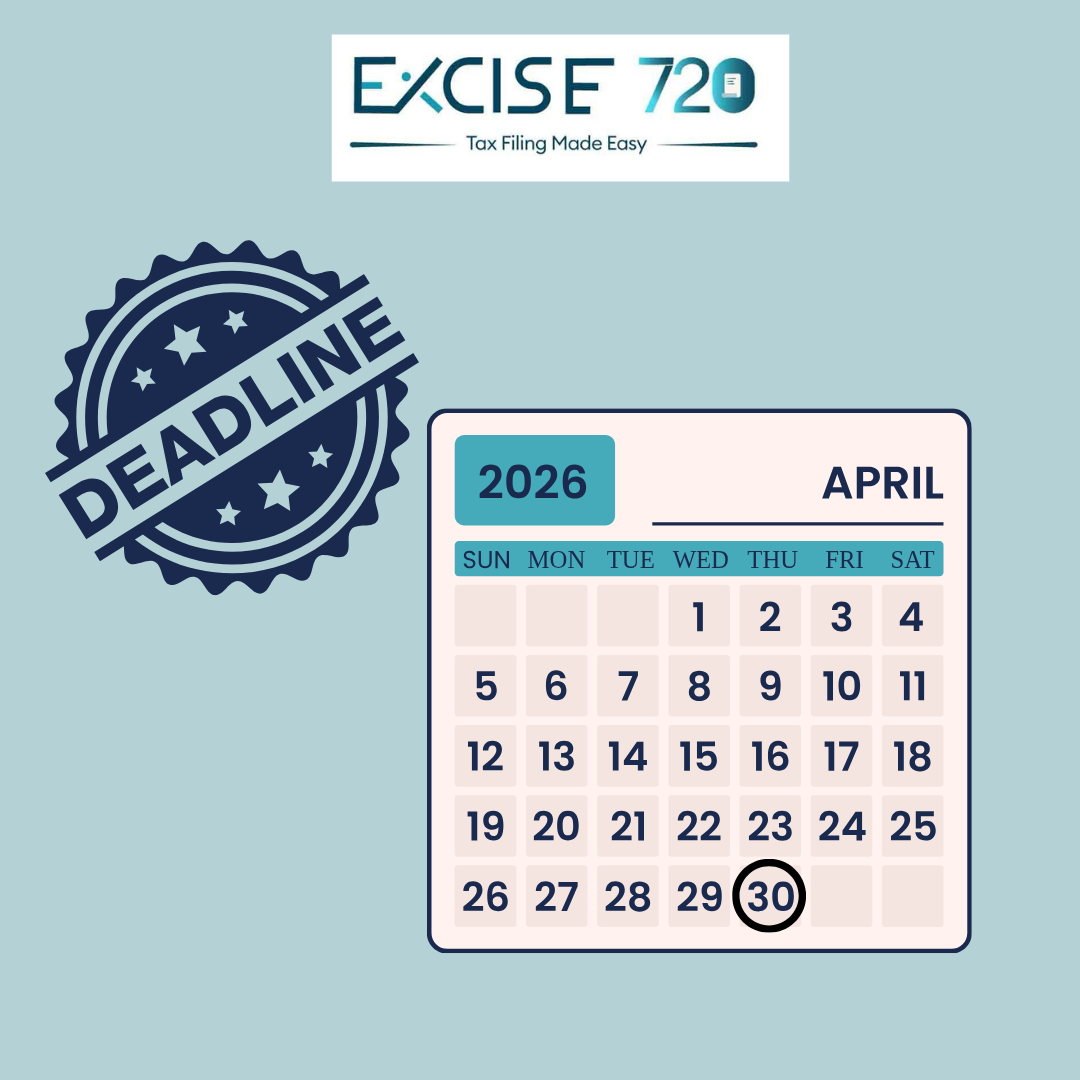
For Quarter 2 Form 720 generally covers tax excise activities from April 1 to June 30. The standard deadline is the 31st of July. The IRS has the Form 720 for Quarter 2 due on July 31st, unless the date of due is the weekend or a legal holiday.
This guide will assist you in understanding what you need to do prior to filing, the information you’ll need, as well as how to prepare yourself for the Q2 date.
Why Preparing Early for Q2 Form 720 Matters
Excise tax filing is not something businesses should handle at the last minute. Unlike a simple payment reminder, Form 720 may require product details, taxable sales information, IRS tax numbers, deposits, covered lives for PCORI, and supporting records.
Preparing early helps you:
- Avoid last-minute filing errors
- Review your tax amount before payment
- Keep business records organised
- Prevent missed deadline issues
- File with more confidence
- Complete payment on time
Even if your business has filed Form 720 before, each quarter should be reviewed carefully because sales, tax categories, credits, claims, and liabilities may change.
Who Should Be Ready to File Form 720 for Q2?
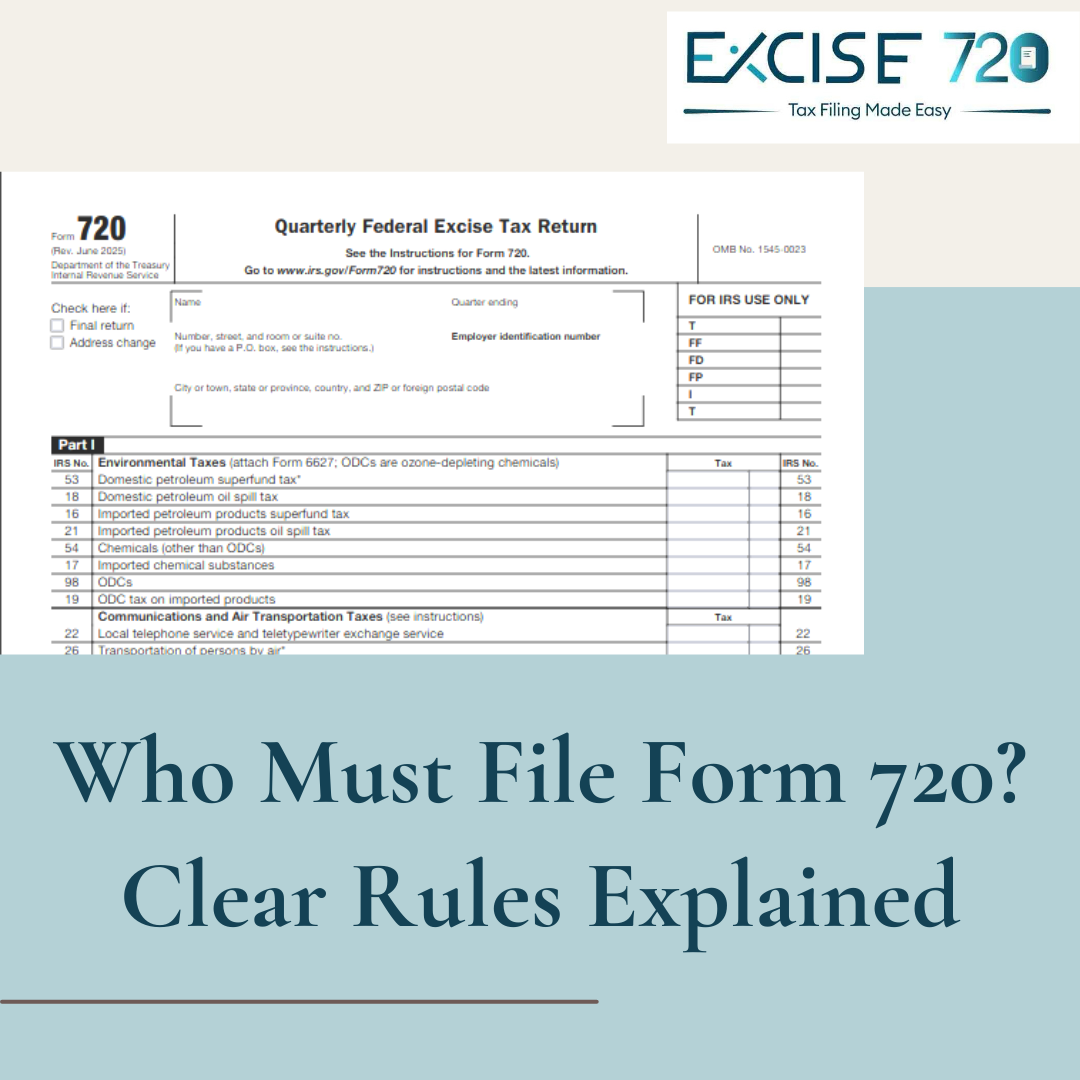
Businesses may need to file Form 720 if they are responsible for reporting or collecting certain federal excise taxes. The IRS instructions say you must file Form 720 if you were liable for, or responsible for collecting, any federal excise taxes listed in Parts I and II of the form.
Common categories may include:
- Fuel-related excise taxes
- Environmental taxes
- Communications and air transportation taxes
- Retail taxes for specific goods
- Manufacturer taxes
- Indoor tanning services
- Patient-Centered Outcomes Research Institute fee, also called PCORI or PCOR fee
- Other IRS-listed federal excise tax categories
If you are unsure whether your business needs to file, review your taxable activity for the quarter and confirm whether any Form 720 tax category applies to your business.
Q2 Form 720 Filing Checklist Before You Pay
Before making your payment, keep the following checklist ready.
1. Confirm Your Filing Quarter
Make sure you are filing for the correct quarter. Q2 covers the period from April through June. Filing under the wrong quarter may create confusion in your records and could affect how your payment is applied.
2. Gather Business Information
Before starting your filing, keep these details ready:
- Legal business name
- Employer Identification Number, also known as EIN
- Business address
- Contact information
- Tax period details
- Filing history, if applicable
Accurate business details help avoid mismatches and processing delays.
3. Identify the Right IRS Tax Number
Form 720 includes different IRS numbers for different excise tax categories. Before filing, identify which IRS number applies to your business activity. Using the wrong tax number can result in incorrect reporting.
4. Review Taxable Sales or Activity
Collect the records needed to calculate your excise tax. Depending on your business, this may include:
- Sales reports
- Product quantities
- Taxable units
- Gallons, tons, or other measurements
- Service records
- Policy or plan details for PCORI fee filing
- Prior quarter records, if needed
Do not estimate unless the IRS method allows it for that specific tax type.
5. Calculate the Tax Amount Carefully
Once your taxable activity is confirmed, calculate the correct tax amount based on the applicable IRS rate. Small errors in quantity, rate, or category selection can affect your final tax due.
For PCORI fee reporting, the IRS explains that the fee is generally calculated by multiplying the average number of covered lives by the applicable rate.
6. Check If PCORI Fee Applies to Q2
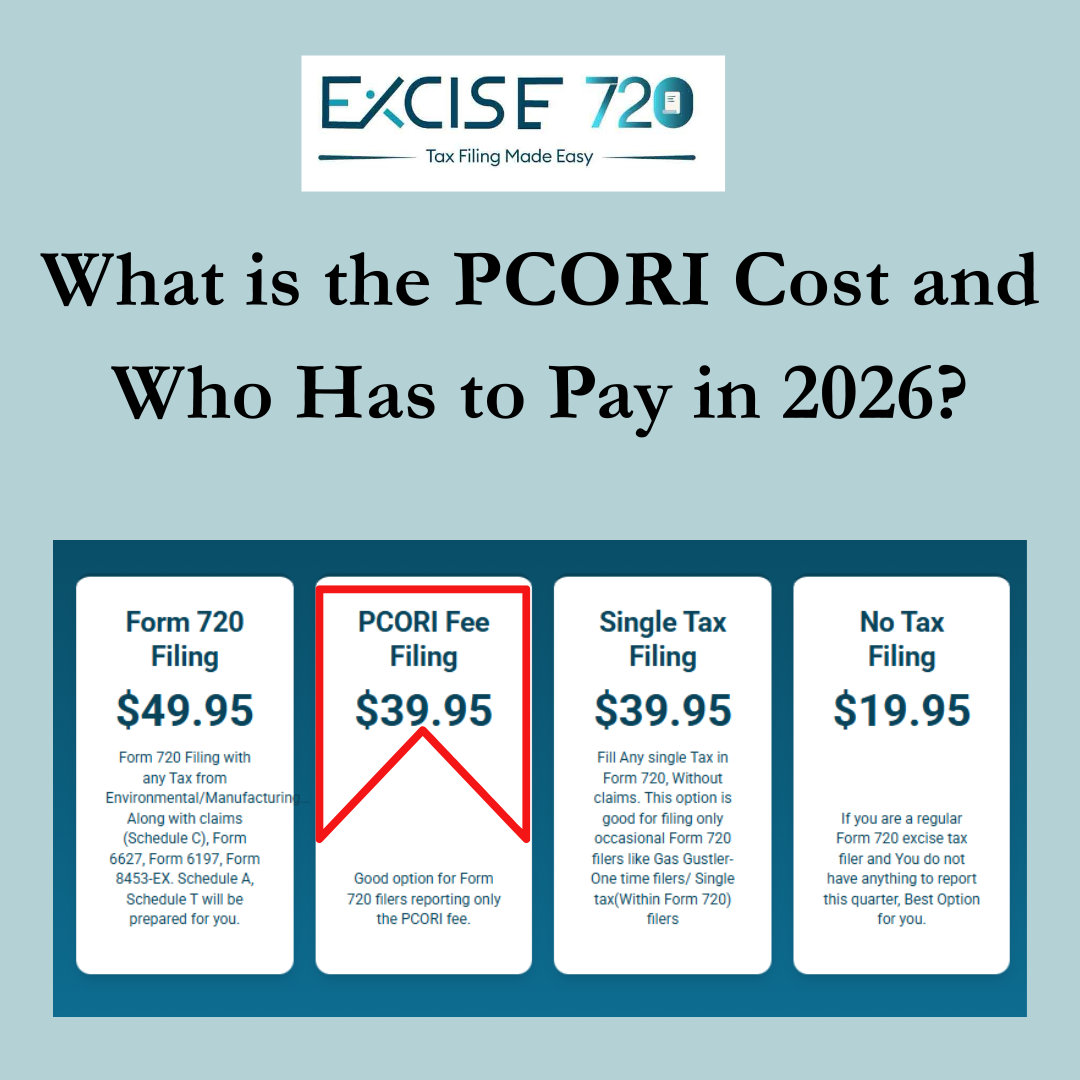
Q2 is especially important for businesses and plan sponsors that need to report the PCORI fee. The IRS states that PCORI fees are reported annually on Form 720 and are due by July 31 of the year following the last day of the policy year or plan year.
For 2026 filing, the IRS PCORI rate table shows that plans ending January through September 2025 use a rate of $3.47, while plans ending October through December 2025 use a rate of $3.84, with the return due no later than July 31, 2026.
7. Review Deposits and Payments
Some excise taxes may require deposits, while others are paid with the return. The IRS instructions note that deposits are not required for the PCORI fee, and the fee is paid with the second quarter Form 720.
Before payment, check whether your tax type requires deposits, payment with return, or another payment method.
8. Check for Zero Tax or Final Return Situations
If you normally file Form 720 but have no tax to report, the IRS instructions say to enter zero on the appropriate line and enter “None” on Form 720, Part III, line 3. If you are filing only to report the PCORI fee in Q2, you do not need to file Form 720 for other quarters unless you have other taxes or fees to report.
This is important for businesses that only file once a year for PCORI.
9. Keep Supporting Records
Always keep records that support your filing. This may include sales reports, calculation worksheets, invoices, payment confirmations, policy documents, and covered lives calculation records.
The IRS instructions state that taxpayers should keep copies of tax returns, records, and accounts of all transactions to show the correct tax has been paid.
10. File and Pay Before the Deadline
Do not wait until the due date to start your filing. Online filing can help you complete the process faster, but you still need accurate details before submission.
With Excise720, businesses can prepare and file Form 720 online with a simple step-by-step process.
Common Mistakes to Avoid During Q2 Form 720 Filing
Many filing issues happen because businesses rush the process. Avoid these common mistakes:
- Selecting the wrong filing quarter
- Entering the wrong EIN
- Choosing an incorrect IRS tax number
- Using outdated rates
- Missing PCORI fee details
- Forgetting to review the final tax amount
- Waiting until the deadline day to pay
- Not saving confirmation records
A simple review before submission can help prevent unnecessary corrections later.
Why Online Form 720 Filing Helps Businesses
Online filing gives businesses a more organised way to complete their quarterly excise tax return. Instead of handling paper forms manually, users can enter information, review tax details, and submit the return more efficiently.
Benefits of online filing include:
- Faster preparation
- Easier tax category selection
- Reduced manual paperwork
- Secure filing process
- Better payment readiness
- Filing confirmation for records
For busy businesses, online filing can save time and reduce filing stress.
Get Ready for Q2 Filing with Excise720
Quarter 2 Form 720 filing is coming soon. Whether you need to report regular federal excise taxes, PCORI fees, or other applicable tax categories, preparation is the key to a smoother filing experience.
Before the filing window gets busy, gather your records, verify your tax details, review your payment amount, and be ready to file before the deadline.
Ready to prepare your Q2 Form 720?
File online with Excise720 and complete your federal excise tax filing with confidence.